
Table of Contents
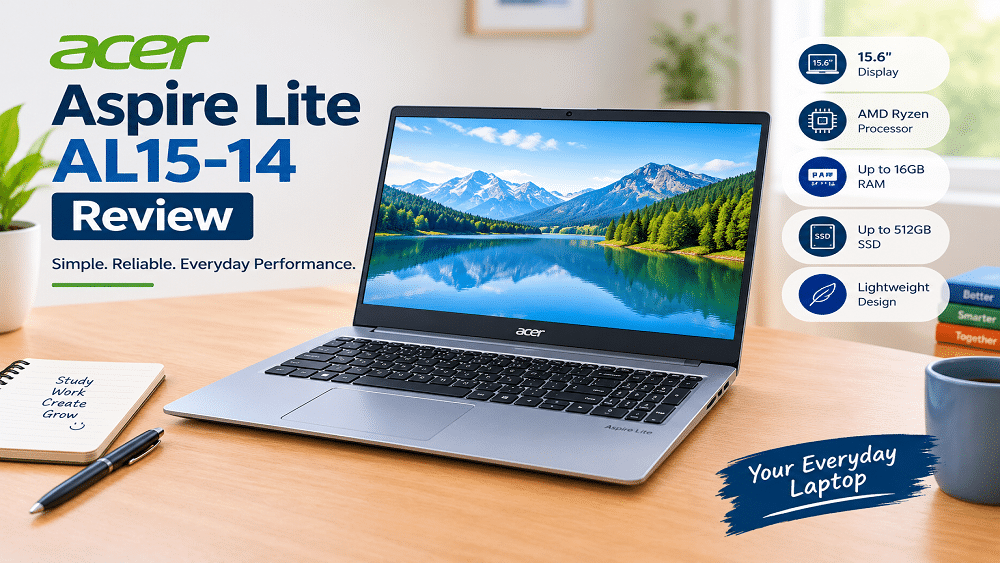
Acer Aspire Lite AL15-41 Review: Introduction
Buying a good laptop on a budget can be difficult. You want a laptop that runs smoothly, has enough storage, offers a comfortable screen and lasts for everyday work without costing too much.
The Acer Aspire Lite AL15-41 is a good option to consider if you need a laptop for studying, office work, browsing the internet, attending online classes, or writing articles. Before you buy it, make sure to check its processor, RAM, storage, display quality, and battery life to see if it meets your needs.
In this Acer Aspire Lite AL15-41 review, we will look at its main features, performance, design, display, RAM, storage, battery life, advantages and disadvantages. We will also discuss who should buy it and what you should check before placing an order.
One important thing to remember is that the AL15-41 is available in different configurations. Acer has listed versions with different AMD Ryzen processors, RAM capacities, storage options and display panels. Therefore, check the exact model number and specifications before purchasing.
Let’s find out whether the Acer Aspire Lite AL15-41 is the right laptop for your needs.
Acer Aspire Lite AL15-41: Key Specifications
Before looking at the individual features, here is a quick overview of the specifications available across this laptop series.
| Specification | Details |
|---|---|
| Laptop model | Acer Aspire Lite AL15-41 |
| Processor | Varies by configuration; AMD Ryzen 3, Ryzen 5 and Ryzen 7 options exist |
| Display size | 15.6 inches on the configurations discussed here |
| Display resolution | Depends on configuration; Full HD and other panel options exist |
| Graphics | Integrated AMD Radeon Graphics on the listed AMD models |
| RAM | Varies by model |
| Storage | SSD options vary by configuration |
| Operating system | Depends on the specific listing |
| Webcam | HD webcam on listed configurations |
| Connectivity | USB, HDMI, Wi-Fi and Bluetooth options vary |
| Best suited for | Study, office work, browsing and everyday computing |
These details are based on Acer’s published AL15-41 specifications. Check the manufacturer’s listing for your exact model before using this table as a final buying guide.
1. Design and Build Quality

The first thing many buyers notice about a laptop is its design. A laptop should look good, feel comfortable to use and be easy enough to carry when travelling.
The Acer Aspire Lite AL15-41 has a simple design that suits students, professionals and home users. Its straightforward appearance works well in an office, classroom or study room.
Is the Acer Aspire Lite easy to carry?
Some listed AL15-41 configurations weigh approximately 1.59 kg, although the exact weight depends on the version. This makes the laptop reasonably portable for daily use.
You can easily carry it in a laptop bag when going to college, work, or the library. Just remember that the laptop and charger together will weigh more than the laptop alone.
What about the keyboard?
Acer lists configurations with a full-size keyboard and a separate numeric keypad. This can be helpful if you regularly enter numbers, prepare spreadsheets or work with financial data.
Some configurations offer a backlit keyboard, while others may not. If you often work at night, check whether your chosen model includes this feature.
Our view: The design should be suitable for everyday work, but check the actual product images and keyboard specifications before ordering.
2. Display Quality: Is It Good for Everyday Use?
The display is one of the most important parts of a laptop because you may spend several hours reading, writing or watching videos.
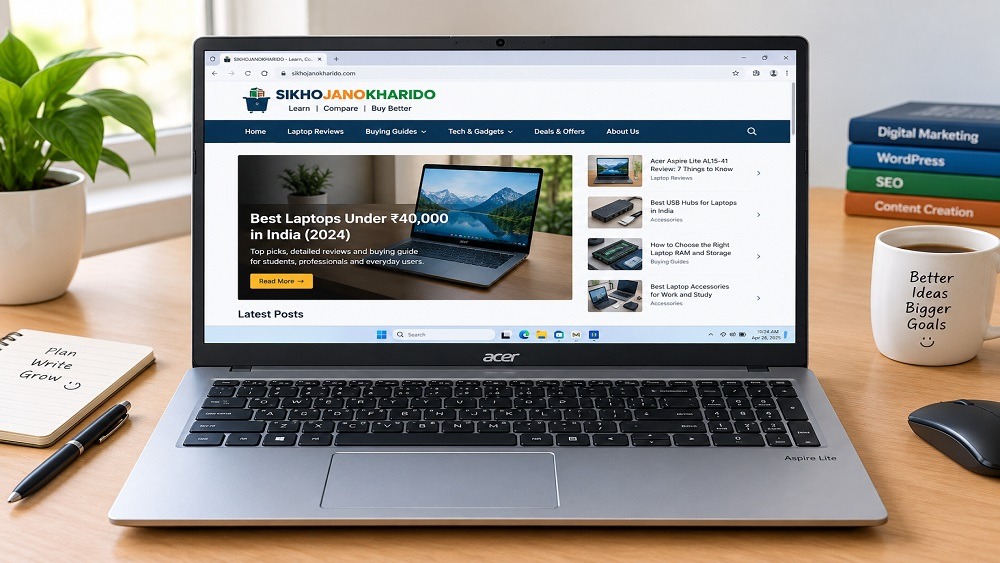
Acer lists 15.6-inch display options for the AL15-41. However, the resolution and panel type can differ between configurations, so you should not assume that every version has the same screen.
Is the Full HD Display Good for Work?
Yes, a Full HD display with a resolution of 1920 × 1080 pixels can provide clear and sharp visuals. It is suitable for everyday tasks such as writing documents, browsing the internet, attending online classes, and watching videos.
If you manage a website, a larger screen can also make it easier to work with Word Press, edit articles and organise images.
For example, you can write an article in one window while checking information in another browser tab. This helps you work more easily and saves time
Should you choose an IPS display?
If two versions are available at similar prices, compare their display panels carefully.
An IPS panel generally offers better viewing angles than a TN panel. This can be useful when you look at the screen from different positions.
Also check the resolution. A Full HD screen is generally preferable to an HD screen for reading text and working with multiple windows.
Buying tip: Before purchasing, confirm that the product listing specifically mentions a 15.6-inch Full HD IPS display if that is what you want.
3. Processor and Everyday Performance
The processor plays an important role in how quickly a laptop handles everyday tasks.
The Acer Aspire Lite AL15-41 series has been offered with different AMD Ryzen processors, including Ryzen 3, Ryzen 5 and Ryzen 7 models. These processors do not provide identical performance, so the exact chip matters when comparing prices.
Is it suitable for students?
For students, a suitable configuration can handle common tasks such as:
- Preparing assignments and presentations.
- Browsing educational websites.
- Attending online classes.
- Reading PDFs and digital books.
- Using office applications.
- Watching educational videos.
For these activities, you do not necessarily need an expensive gaming laptop.
However, performance also depends on RAM, storage, the software you use and how many applications you run at the same time.
Is it suitable for office work?
The Acer Aspire Lite can be a practical option for regular office tasks, including email, documents, spreadsheets, video meetings and web applications.
If you work with many browser tabs or large spreadsheets, compare the available processor and memory configurations before buying.
If you need to edit videos, work on 3D projects, or use heavy professional software, choose a more powerful laptop that can handle these tasks smoothly.
Can you use it for blogging?
Yes, an appropriately configured model should be suitable for blogging and website management.
For example, you can use it to:
- Write articles in WordPress.
- Edit headings and paragraphs in Elementor.
- Research products and specifications.
- Upload images to your website.
- Prepare SEO titles and meta descriptions.
- Manage internal and affiliate links.
If blogging is your main purpose, I would prioritise a good processor, sufficient RAM, an SSD and a comfortable Full HD display over gaming-focused features.
4. RAM and Storage: What Should You Choose?
RAM and storage affect your daily experience. It is worth checking both carefully before purchasing a laptop.
Is 8GB RAM enough?
An 8GB RAM configuration can be sufficient for basic browsing, document editing, online classes and light office work.
However, if you frequently keep many browser tabs open while using WordPress, image-editing tools and other applications, 8GB may feel limiting.
For regular multitasking, I would prefer 16GB RAM if your budget allows it.
Some AL15-41 configurations support memory upgrades, but the maximum supported RAM and upgrade options should be confirmed for the exact model.
Is a 512GB SSD enough?
A 512GB SSD is a practical storage choice for many students and everyday users.
It provides space for documents, applications, downloaded files, photographs and work projects. An SSD also helps the operating system and applications load quickly compared with a traditional hard drive.
If you store many large videos or other files, you may eventually need additional storage.
Which configuration should you buy?
Here is a simple guide.
| Configuration | Best suited for |
|---|---|
| 8GB RAM + 256GB SSD | Basic everyday tasks with limited storage needs |
| 8GB RAM + 512GB SSD | Study, browsing and regular office work |
| 16GB RAM + 512GB SSD | Multitasking, blogging and longer-term everyday use |
These are general buying recommendations, not a claim that every combination is available in the AL15-41 range.
Our recommendation: If you plan to manage a website and use several applications together, choose 16GB RAM and a 512GB SSD when available at a reasonable price.
5. Battery Life and Charging
Battery life is important if you study in a classroom, work in a café or prefer using your laptop away from a power socket.
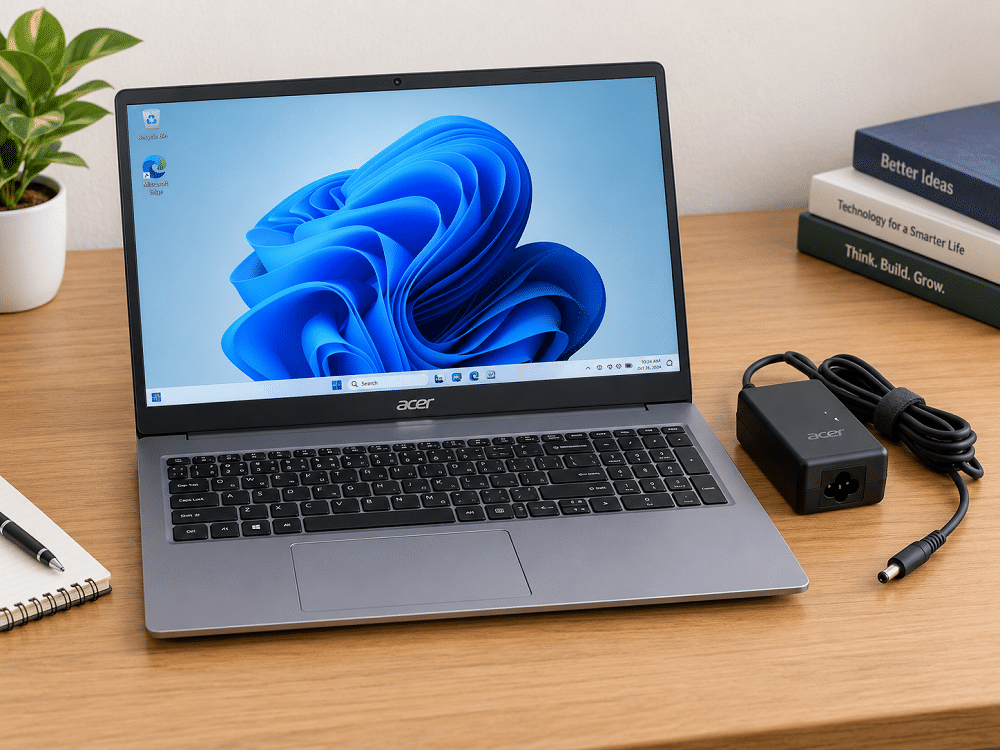
Acer has listed different battery capacities for AL15-41 configurations, including 36Wh and 49Wh options. The battery capacity can affect how long the laptop runs between charges.
How long does the battery last?
The actual battery life depends on the configuration and how you use the laptop.
Writing documents with moderate screen brightness usually uses less power than running demanding applications, streaming video continuously or performing heavy workloads.
Acer’s specifications include estimated battery-life figures under particular testing conditions. These should not be treated as a guarantee of everyday battery performance.
Your results may differ because of screen brightness, Wi-Fi use, background applications, battery condition and other factors.
Is it good for students and bloggers?
For students and bloggers who mainly write, browse websites and prepare documents, the battery should be evaluated alongside portability and performance.
If you need to work for several hours without charging, check the battery capacity of the exact configuration and look for independent battery tests.
Buying tip: Do not choose a laptop based only on the advertised maximum battery life. Look for reviews that explain the testing conditions.
6. Ports, Webcam and Connectivity
A laptop becomes more useful when it has the ports and wireless features you need.
Acer’s AL15-41 specifications list USB Type-A, USB Type-C and HDMI connectivity, although the exact port capabilities should be checked for your configuration.
Which ports should you check?
Before buying, look for:
- USB ports let you connect devices such as a mouse, keyboard, or external storage drive.
- HDMI output for connecting an external monitor or television.
- USB Type-C specifications, including data and display support where needed.
- A suitable charging connection.
- A headphone connection if you use wired headphones.
Do not assume that every USB Type-C port supports charging or video output. Check the manufacturer’s specifications.
If you use an external monitor while writing articles or editing a website, HDMI output can be particularly useful.
For additional accessories, see our guide to the best USB hubs for laptops.
Is the webcam good for video calls?
Acer includes an HD webcam in these models, which is useful for attending online classes, joining work meetings, and making video calls.
An HD webcam should be adequate for many everyday calls, but image quality also depends on lighting and the camera itself.
For clearer video calls, sit facing a light source and keep the camera lens clean.
What about Wi-Fi and Bluetooth?
The wireless standards can vary between configurations. Check the exact product specifications for Wi-Fi and Bluetooth support before buying.
These features allow you to connect to wireless networks and compatible devices such as headphones, speakers and a mouse.
7. Can You Play Games on the Acer Aspire Lite AL15-41?
The Acer Aspire Lite AL15-41 is primarily an everyday laptop rather than a dedicated gaming machine.
The listed AMD configurations use integrated Radeon graphics. These can handle some lighter games, but gaming performance depends on the processor, memory configuration, game requirements and graphics settings.
Is it suitable for casual gaming?
Some less demanding games may run acceptably at suitable settings. However, you should check performance tests for the exact processor and game you want to play.
Do not expect the same gaming performance as a laptop with a dedicated graphics card.
Can you play demanding games?
Demanding modern games may require lower graphics settings or may not run smoothly enough for your expectations.
If gaming is your main priority, compare laptops designed specifically for gaming rather than choosing a model based only on its processor name.
Our advice: For study, blogging, browsing and occasional light gaming, a suitable AL15-41 configuration may be enough. For serious gaming, look for a more gaming-focused option.
Acer Aspire Lite AL15-41 Pros and Cons
Before making your final decision, consider its main advantages and possible limitations.
Pros
- A 15.6-inch screen on the configurations discussed here.
- Multiple AMD Ryzen processor options.
- SSD storage options.
- Some configurations offer expandable RAM.
- Useful connectivity for everyday work.
- Suitable configurations for students, office users and bloggers.
Cons
- Specifications differ between configurations, which can make comparisons confusing.
- Some versions may have only 8GB RAM.
- Display panel quality and resolution may vary.
- Battery life varies depending on the laptop model and how you use it.
- The built-in graphics are not suitable for running high-end games smoothly.
- Features such as a backlit keyboard may not be included on every version.
The most important step is to compare the exact model number, not just the Acer Aspire Lite name.
Acer Aspire Lite AL15-41 Price in India
The price of the Acer Aspire Lite AL15-41 can change according to its processor, RAM, SSD, display, seller and available offers.
Therefore, avoid relying on an old price or assuming that every configuration costs the same amount.
If you are shopping with a budget of ₹40,000, compare the total cost of the available models and check whether the laptop includes the features you need.
What should you check before buying?
- Confirm the exact model or part number.
- Check the processor model.
- Verify the RAM and SSD capacity.
- Confirm the display resolution and panel type.
- Check the operating system and included software.
- Review the warranty and seller information.
- Compare the final price, delivery charges and available offers.
A laptop with a lower advertised price may not be the best value if it has less RAM or a weaker display than another option.
Is the Acer Aspire Lite AL15-41 a Good Choice?
The Acer Aspire Lite AL15-41 is worth considering if you need a laptop for everyday computing, studying, office work or blogging.
Its biggest advantage is the range of configurations. Buyers can compare different AMD Ryzen processors, memory options and storage capacities to find a suitable model.
However, different versions may offer different features. For example, a model with 8GB RAM and a basic display may provide a different experience from one with 16GB RAM and a Full HD IPS display
Who should buy it?
Consider the Acer Aspire Lite AL15-41 if you:
- Need a laptop for college or office work.
- Regularly browse websites and prepare documents.
- Manage a WordPress website or write blog posts.
- Want SSD storage for everyday responsiveness.
- Choose a laptop with a bigger screen if you want to read comfortably and work on multiple tasks at once.
Who should consider another laptop?
Look at other options if you:
- If you want to play high-end games smoothly, choose a laptop with a dedicated graphics card.
- Perform professional video editing or advanced 3D work.
- Need a specific battery-life guarantee.
- Require premium display quality without checking the panel type.
- Want a particular feature that is missing from your chosen configuration.
Acer Aspire Lite AL15-41 Review:Final verdict
The Acer Aspire Lite AL15-41 can be a sensible everyday laptop, but the best buying decision depends on its exact specifications and price.
For students, office users and bloggers, I would look for a configuration with a Full HD IPS display, 16GB RAM and a 512GB SSD if it fits the budget.
Before placing an order, compare the processor, battery, display and warranty details. This will help you choose a version that meets your needs instead of paying for a model that does not offer the right features.
Frequently Asked Questions
1. Is the Acer Aspire Lite AL15-41 good for students?
Yes, a suitable configuration can handle assignments, presentations, browsing, online classes and everyday study tasks. Choose the RAM and storage capacity according to your needs.
2. Is the Acer Aspire Lite AL15-41 Suitable for Office Work?
It can be suitable for email, spreadsheets, documents, video meetings and other regular office tasks. For heavy professional workloads, check the processor and memory requirements of your applications.
3. Can I use the Acer Aspire Lite AL15-41 for blogging?
Yes. A suitable configuration can run WordPress, Elementor, web browsers and common productivity applications. For comfortable multitasking, 16GB RAM is preferable when affordable.
4. Does the Acer Aspire Lite AL15-41 have a Full HD display?
Some listed configurations have a Full HD display, while other display options exist. Confirm the exact resolution and panel type before purchasing.
5. Can I upgrade the RAM?
Some AL15-41 models support RAM upgrades. The supported maximum and upgrade procedure depend on the exact configuration, so consult the official specifications or an authorised service provider.
6. Does the Acer Aspire Lite AL15-41 support SSD storage?
Yes, Acer lists SSD storage options for this series. The capacity and upgrade options depend on the model.
7. Is the Acer Aspire Lite AL15-41 Good for Gaming?
The Acer Aspire Lite AL15-41 may be suitable for playing casual games, depending on the model. However, its built-in graphics may struggle with demanding games compared with a laptop that has a dedicated graphics card.
8. How Long Does the Acer Aspire Lite AL15-41 Battery Last?
Battery life depends on the model, processor, screen brightness, and how you use the laptop. For a better idea of how long it lasts, check battery tests for the exact model you plan to buy.
9. Is the Acer Aspire Lite AL15-41 worth buying under ₹40,000?
It may be worth buying if the exact configuration offers good value within your budget. Compare its processor, display, RAM, storage and warranty with other laptops at the same price.
10. Where Can You Buy the Acer Aspire Lite AL15-41?
You can check online stores like Amazon India and Flipkart for the Acer Aspire Lite AL15-41. Compare the price, specifications, warranty, and seller ratings before placing your order.